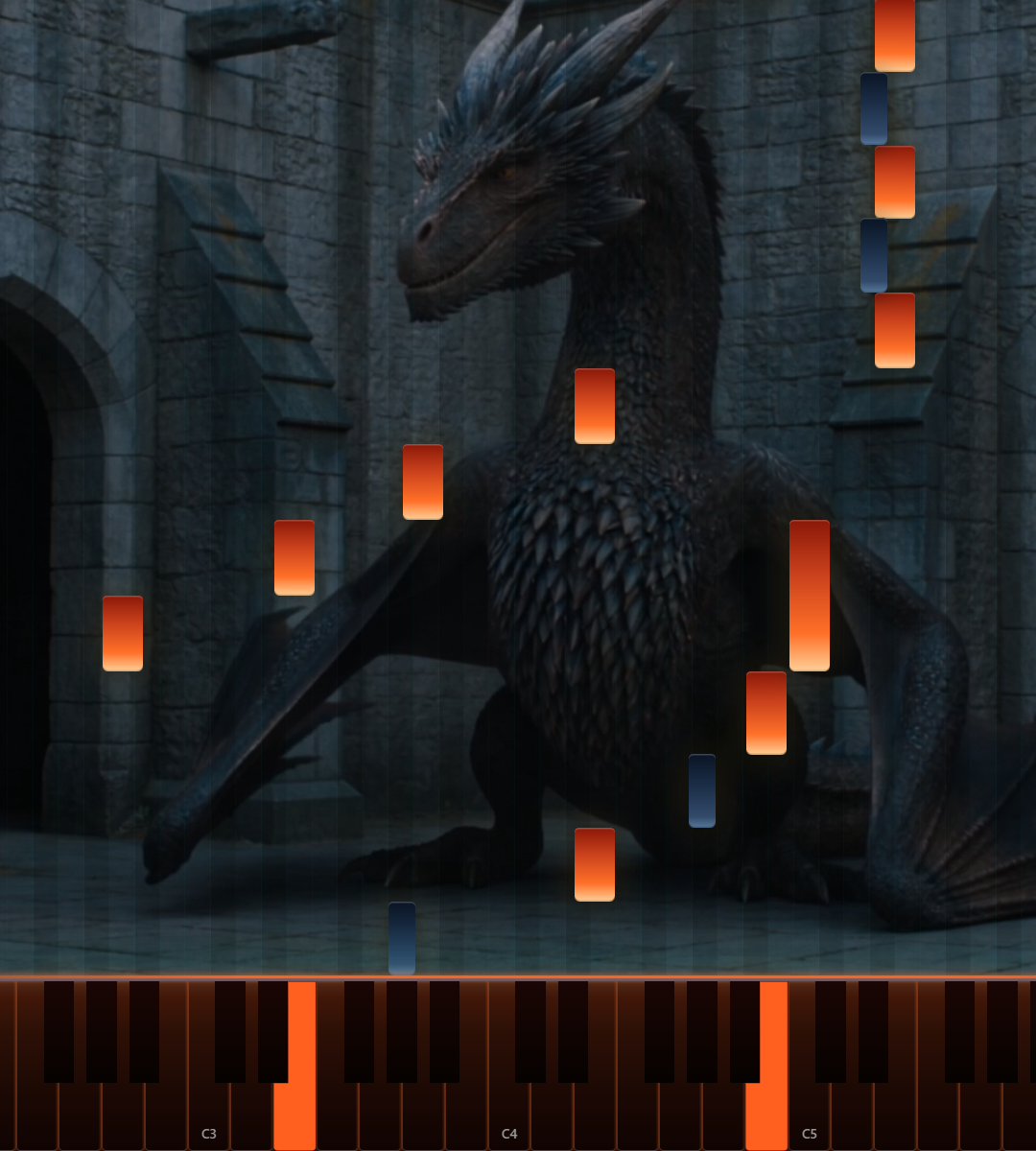
Cinema Themes
A practice studio that doesn't feel like one.
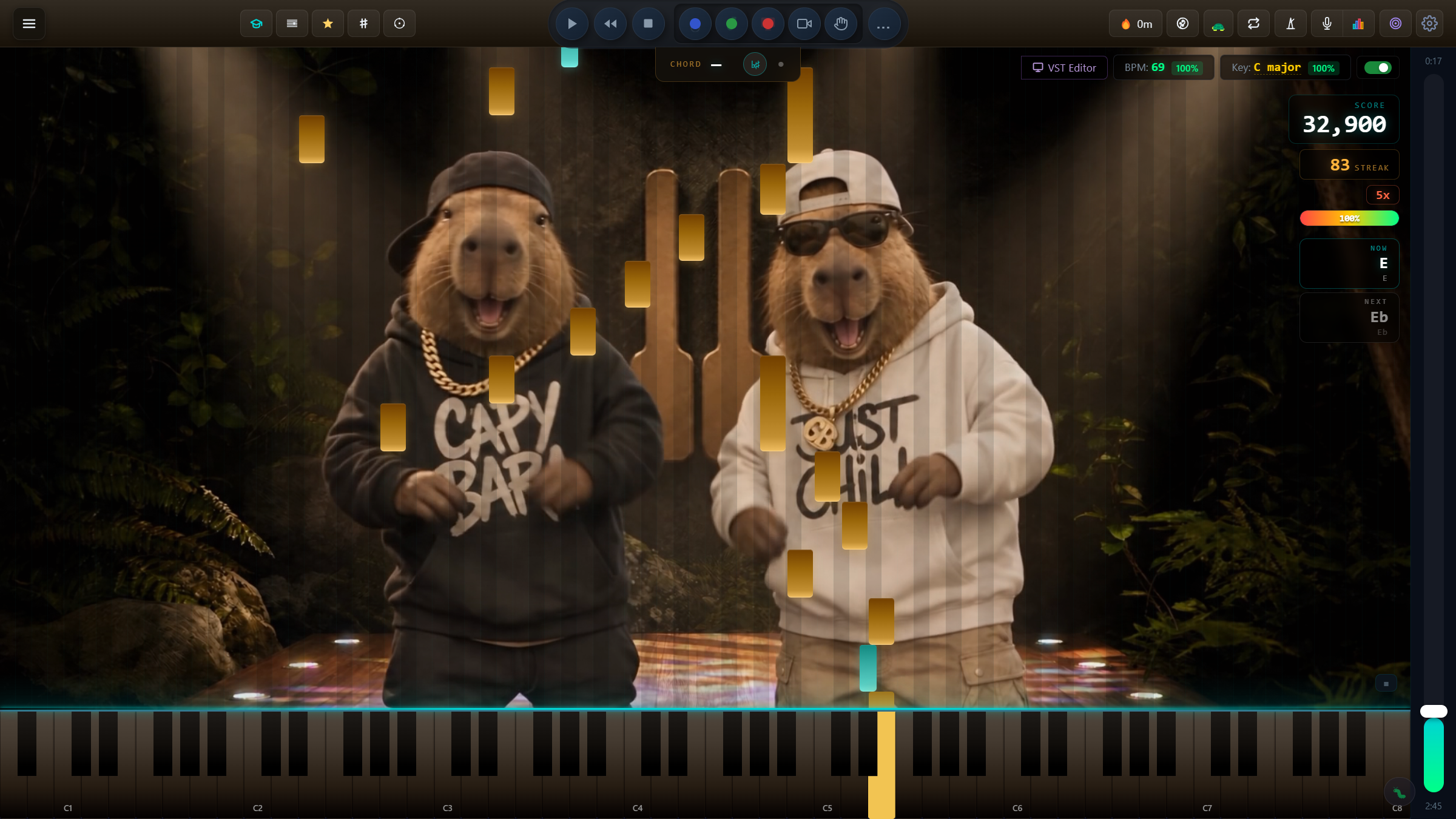
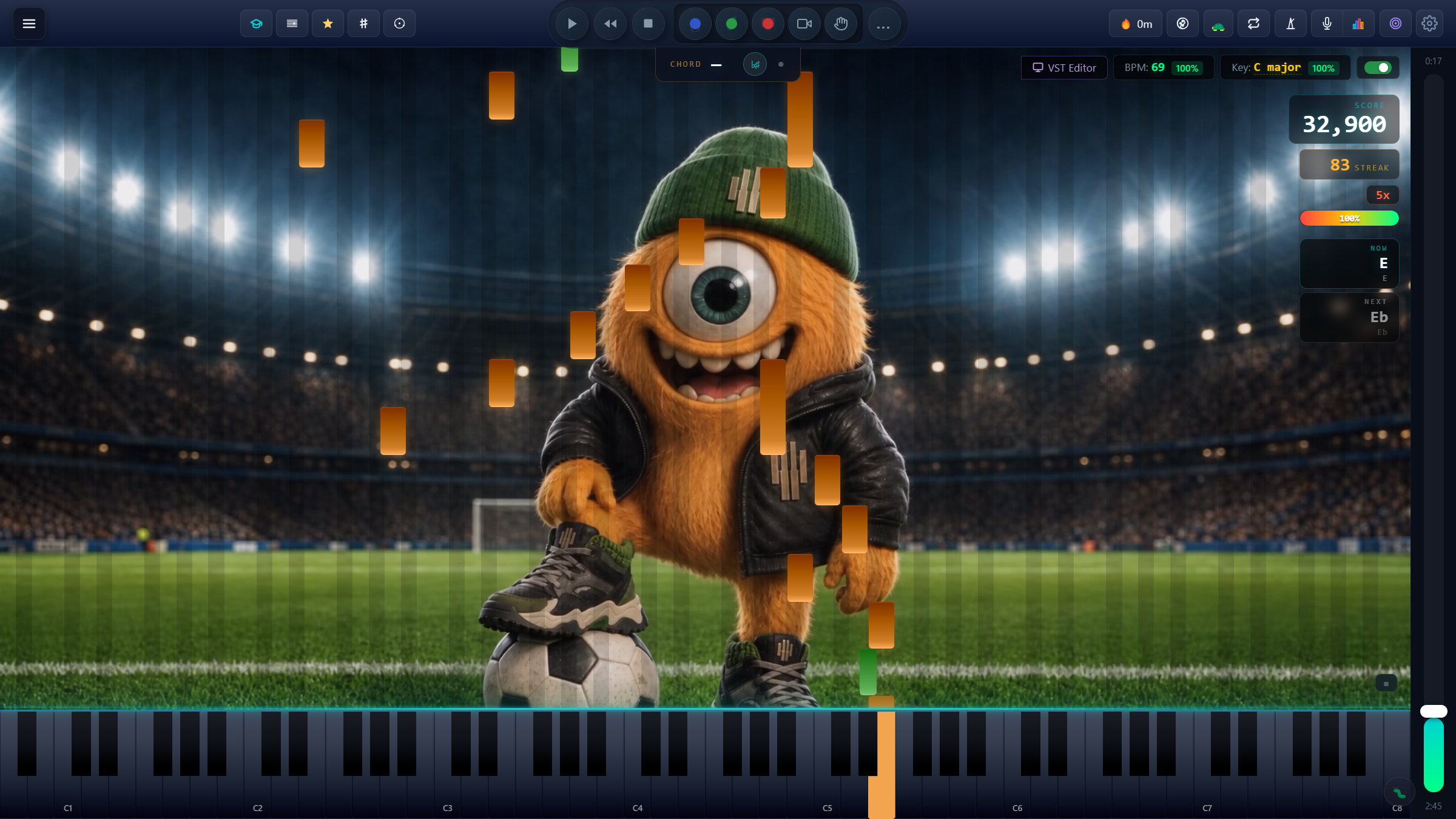
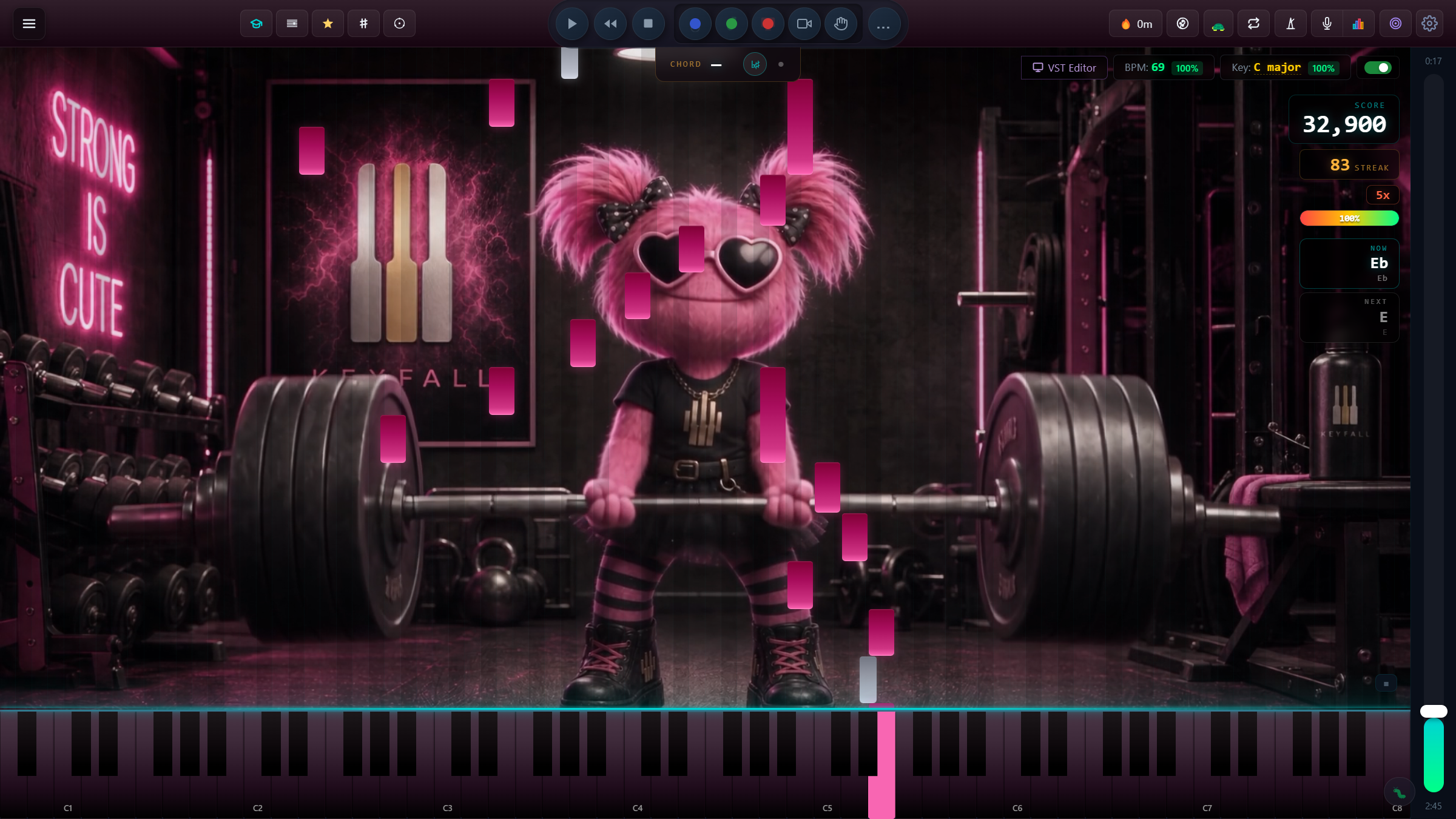
Cinema themes turn every session into a moment. Pick a mood and the whole stage changes.
A grade-by-grade learning environment built for serious players. Falling-note guidance, real-time scoring, sheet-music engraver, training tools, and a full notation studio — all in one app.
One launch email. No spam. Built by a real pianist.
Cinema Themes
Cinema themes turn every session into a moment. Pick a mood and the whole stage changes.
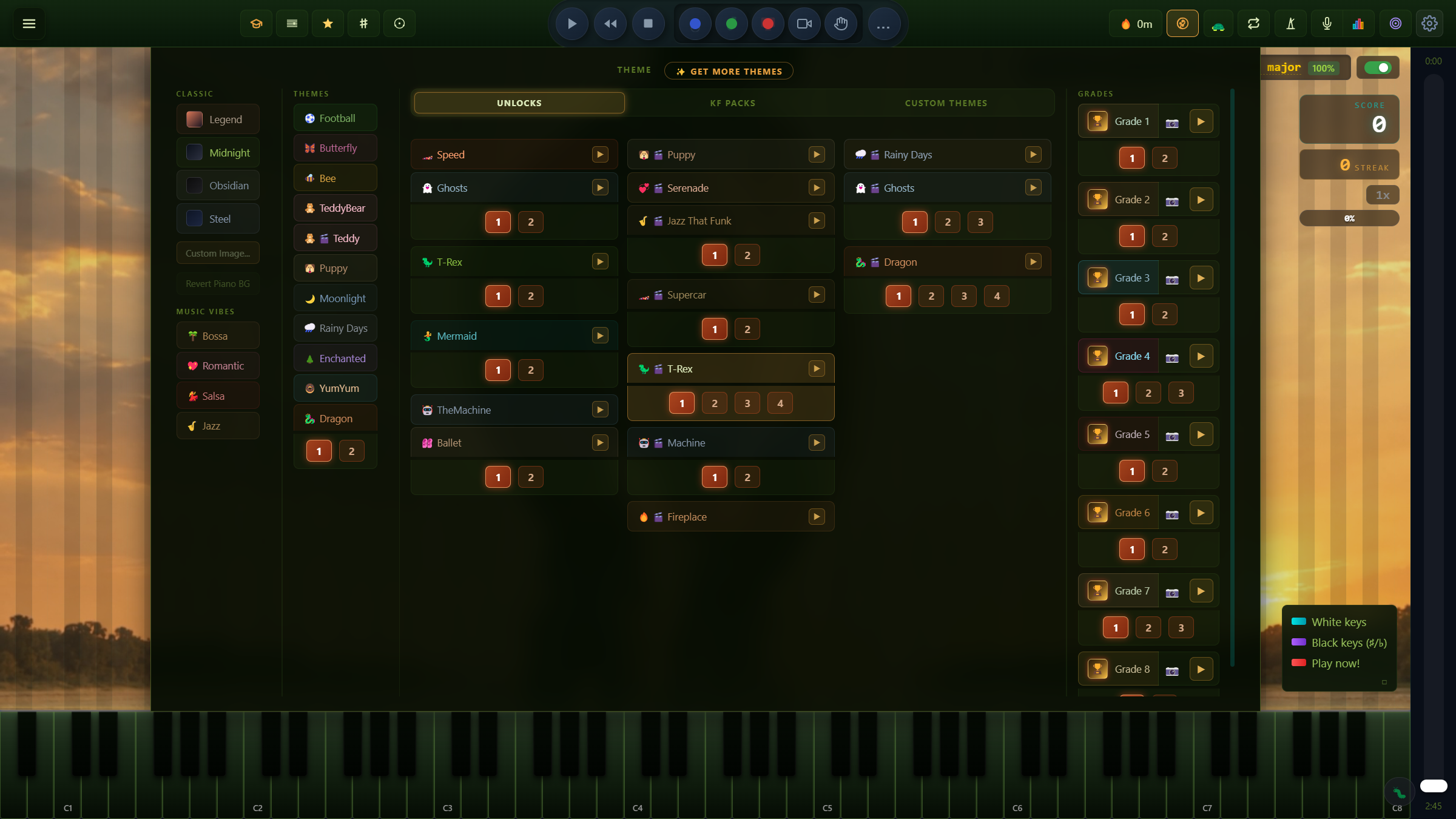
Theme Library
Classics, music moods and characters from day one, Cinema themes you earn as you play your way up the grades, and KF Packs.
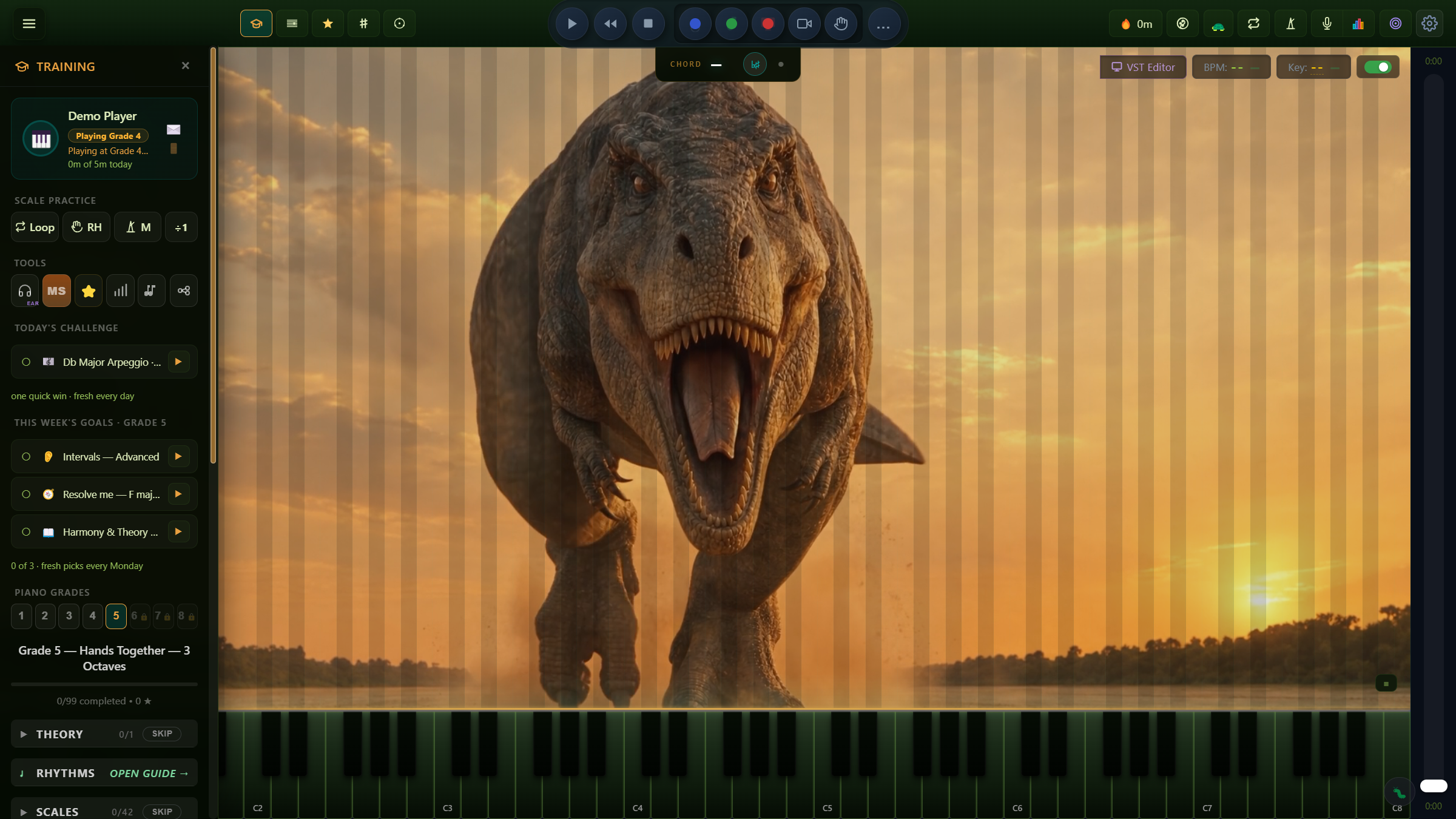
Grade-by-Grade
Scales, arpeggios, pieces, sight reading, ear training and theory, laid out grade by grade for Grades 1 to 8, with a Final Test that certifies.
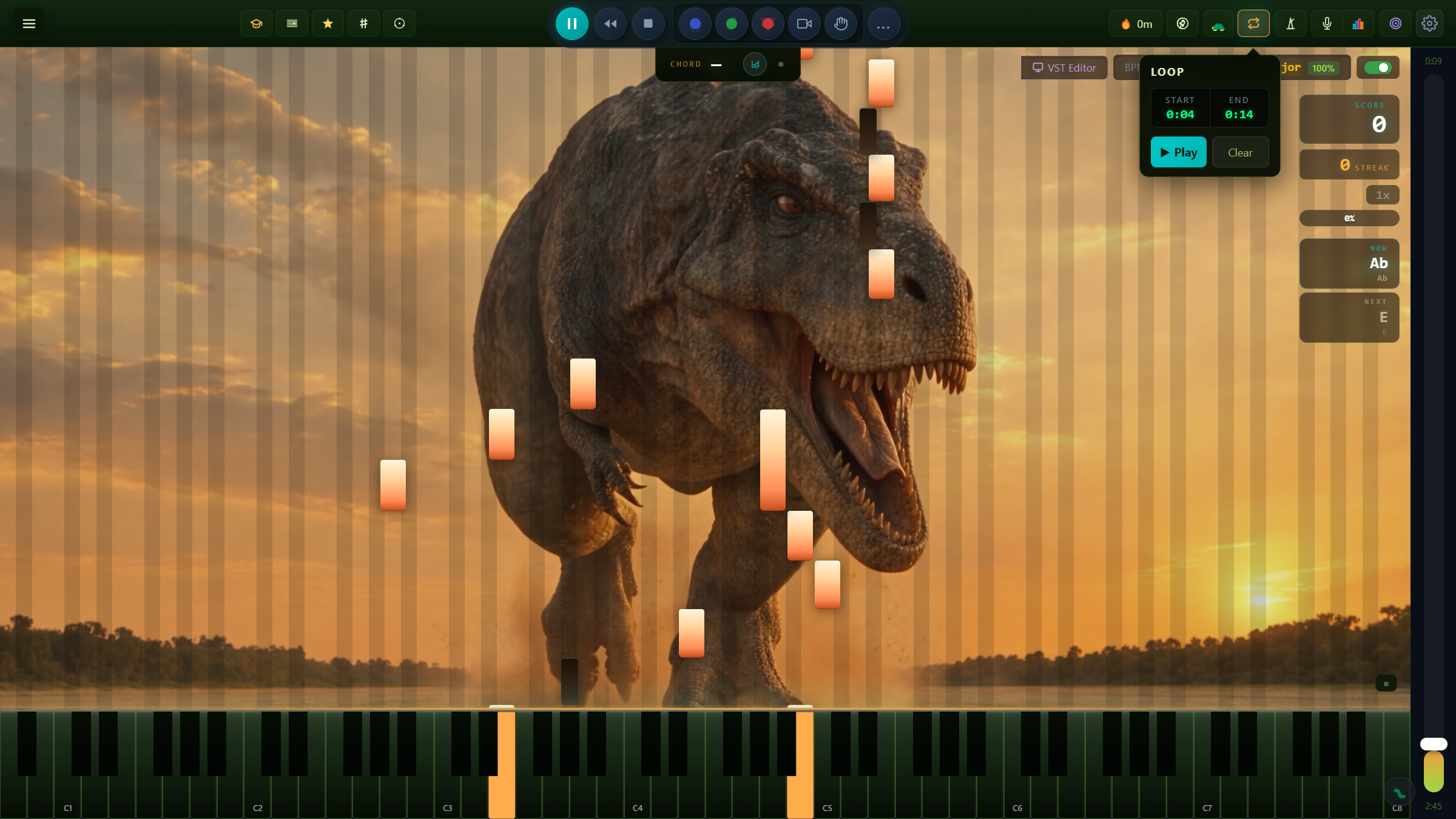
Loop & Drill
Set a start and an end, then play it round and round. Slow it down while it's tricky, then bring it back up to speed.
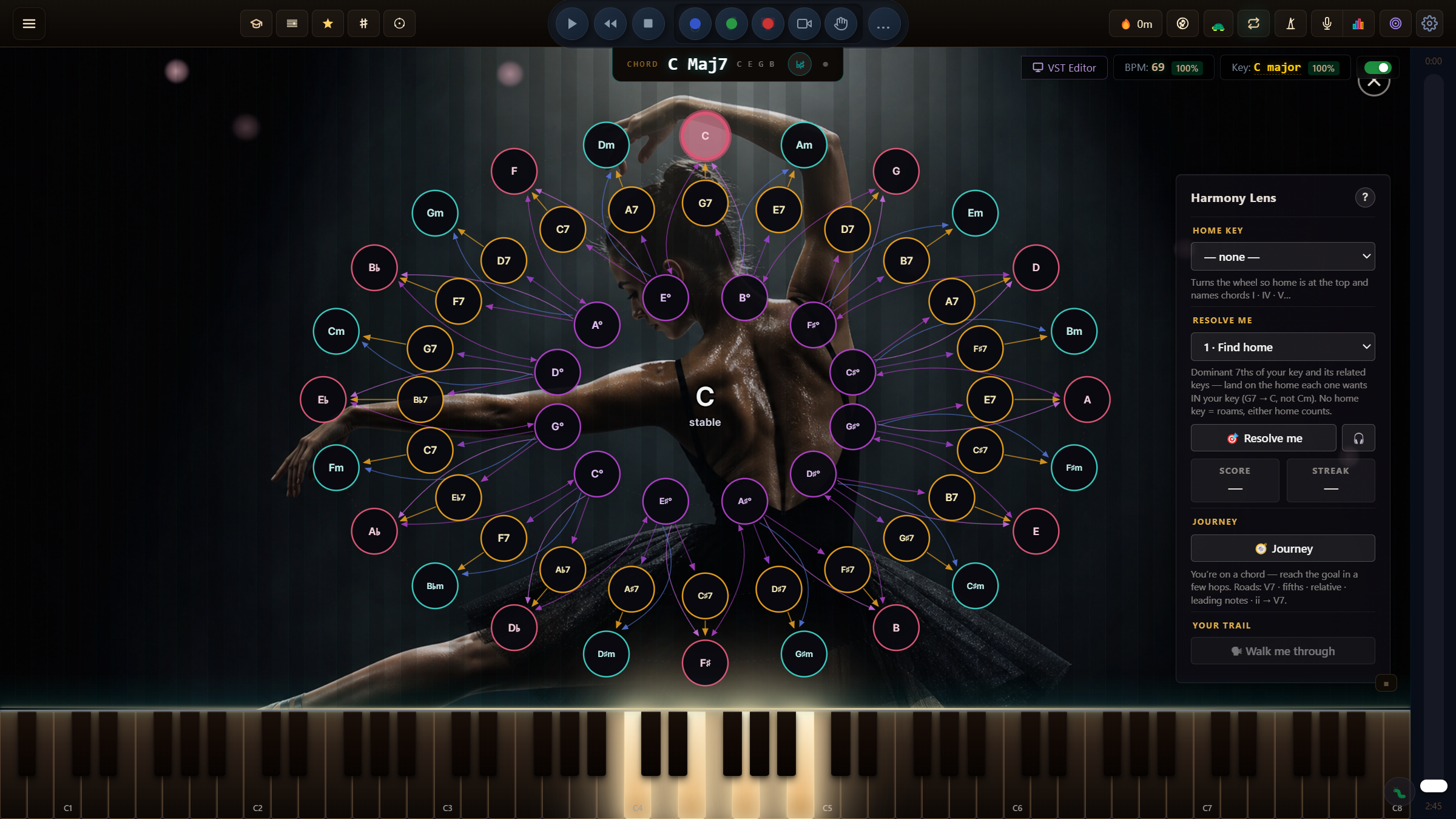
Harmony Lens
The Resolution Web shows where each chord wants to go next, and every grade has an optional Harmony Lens bonus to try it out.
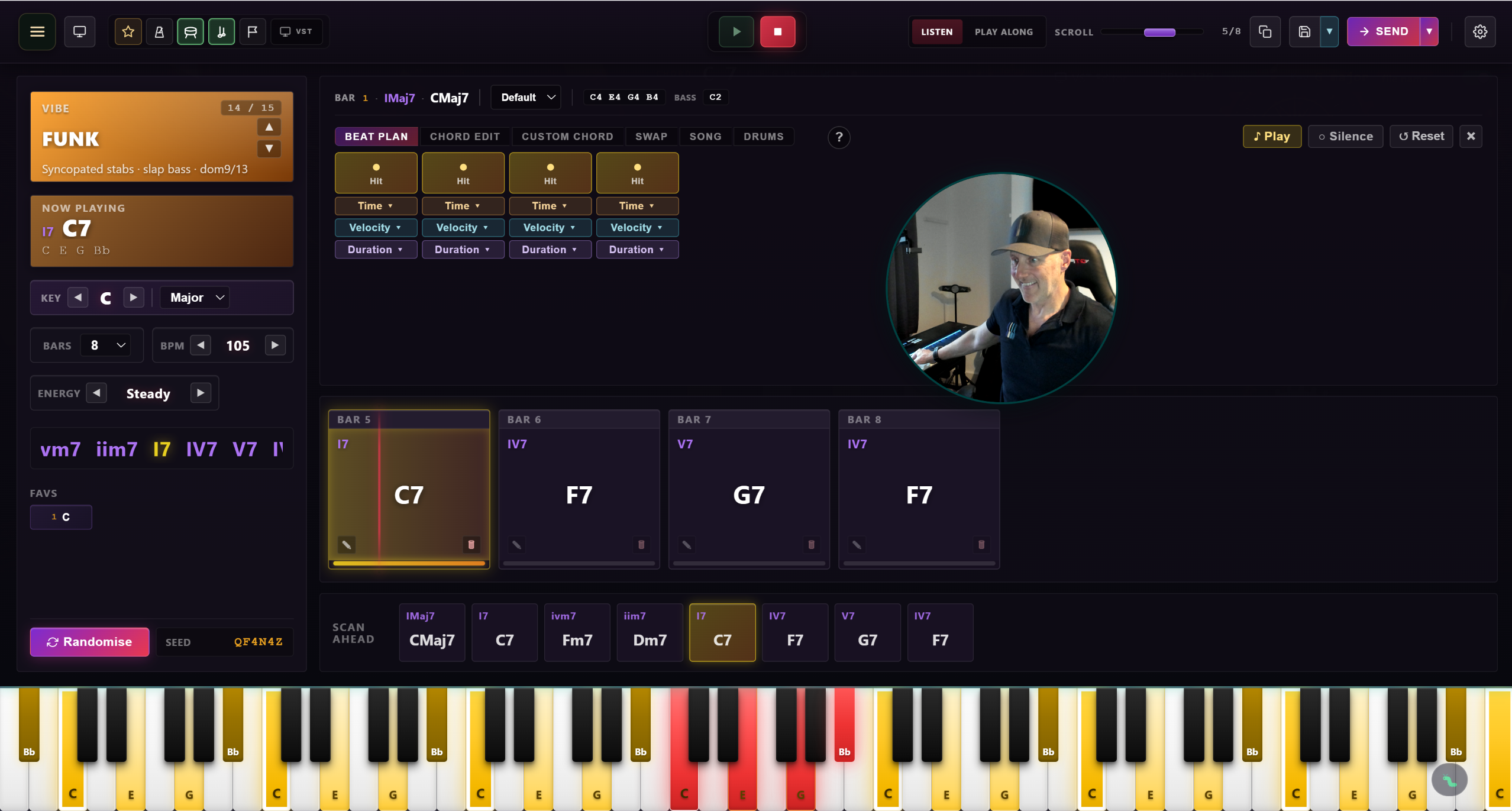
Composition Lab
Pick a style, a key and a tempo. Comp Lab lays out the chords, the bass and the beat, and every bar can be changed.
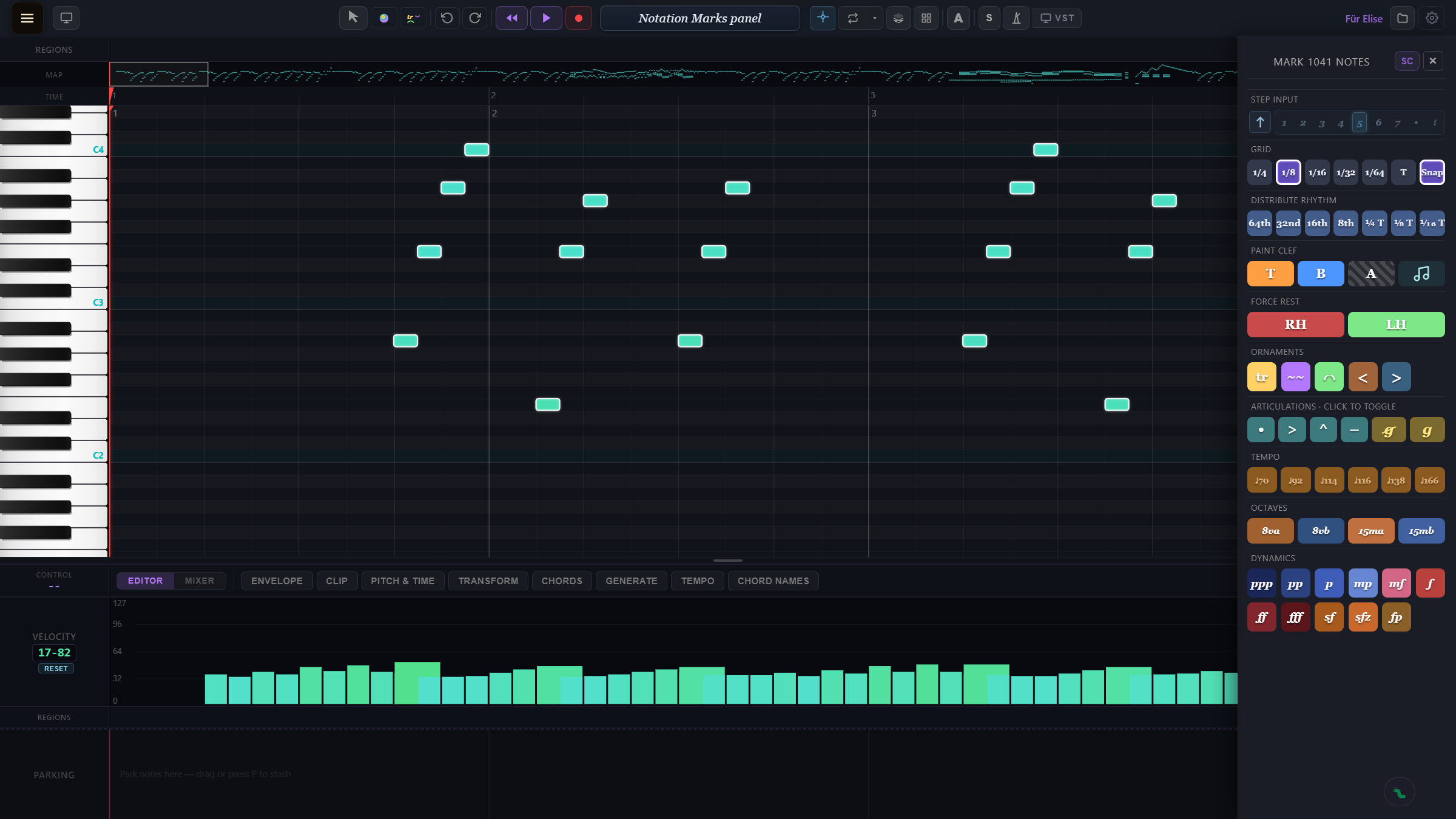
Notation Studio
Step input, triplets, dynamics, articulations, ornaments and octave marks. Paint them on, then print a clean score.
Themes
KF Packs
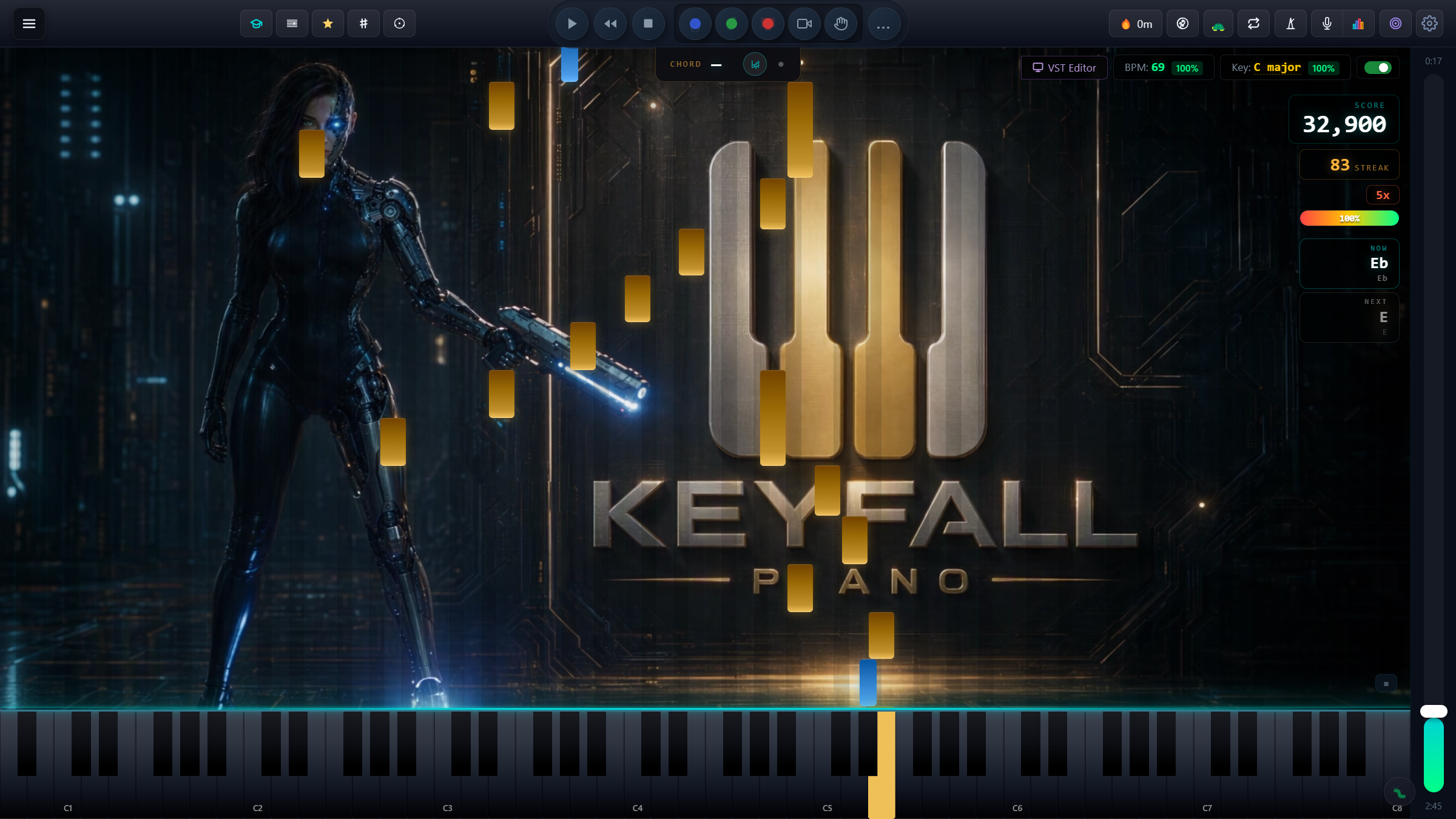
Extra looks for KeyFall Piano: a sci-fi heroine, chilled capybaras, the KeyFriends, gods of legend and more. Packs are an optional extra: they change nothing about your grades.
Everything in the Box
Everything in one app
Notes drop from the top in time with the music. Play them as they hit the keyboard — your timing, dynamics, and accuracy are scored live.
Every piece engraves to a printable score, with clefs, dynamics, articulations, ornaments and triplets — automatically generated from MIDI.
Built around the graded piano exams — scales, arpeggios, sight-reading, ear training and pieces ramped through Grades 1 to 8.
Sketch ideas with a MIDI keyboard, edit in the multi-track view, export to MusicXML and MIDI. Your own pieces, your own way.
Save your favourite MIDI controller, VST plugin, sound and theme as a preset — one click on reboot and you're back where you left off.
What you need: Windows 10 or 11 · 8 GB of memory (16 GB recommended) · an Intel Core i3 or AMD Ryzen 3 from 2020 or newer · an SSD with 6 GB free · a 1080p screen · a MIDI keyboard over USB. A 90 or 120 Hz screen looks smoother still — KeyFall draws at your screen's refresh rate. Not for 4 GB machines or Pentium, Celeron and Atom processors.
No spam. One launch announcement, then quiet. Promise.